Custom software shaped around your workflow – not the other way round.

We build web applications, internal tools, portals and mobile products for workflows that off-the-shelf software covers only through spreadsheets, duplicate entry or workarounds. You work directly with Ardit Thaqi. Existing systems, roles, failure cases and ongoing operation are considered from the start.

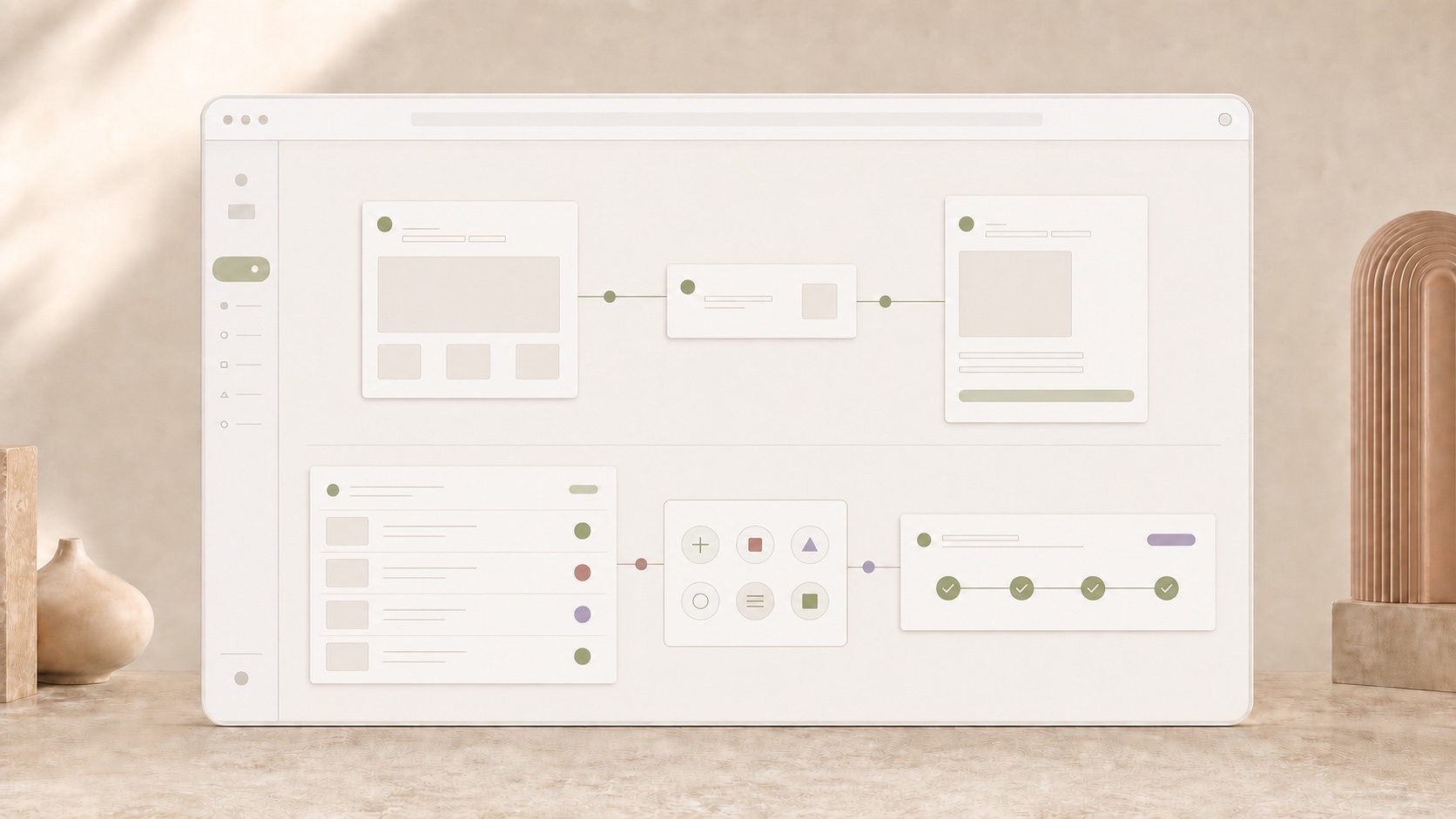
Diagram showing email, spreadsheets and follow-up questions brought together in one clear and traceable workflow.

What a custom solution can take over.

Depending on the workflow, the result may be a central workspace, a mobile tool or a reliable connection between existing systems.

Internal tools and portals create one shared status.

When spreadsheets, emails and personal notes hold the workflow together, we build web applications, internal tools and portals that bring requests, approvals, roles and documents into one traceable place.

Web application · Roles & permissions · Approvals
Mobile applications capture work where it happens.

Focused mobile solutions for capture, review and handoff – with camera access, clear roles and offline capability for iOS and Android when needed.

iOS & Android · Camera · Offline capable

Interfaces connect the systems already in use.

APIs and controlled data flows connect DATEV, ERP, payments and other systems. Information is no longer maintained twice and handoffs remain traceable.

API · DATEV · ERP & paymentsExplore DATEV integrations

Our own products show how we connect workflows.

BuchhaltIQ and PosIQ are products developed by Born Software. They show how mobile interaction and integrations come together in a continuous workflow.

BuchhaltIQ: from receipt to prepared handover.

Receipts, bank transactions and follow-up questions often live in separate tools. BuchhaltIQ brings capture, matching and month-end close together in a mobile application. Suggestions are reviewed and confirmed; open items remain visible.

Explore the BuchhaltIQ workflow

PosIQ: one transaction from table to payment.

Orders, table status, receipt printing and card payments need to work together in daily service. PosIQ connects these steps on iPhone and iPad and keeps the working status visible to the team.

Explore the PosIQ workflow

We begin with one concrete workflow.

We map its users, systems, rules and exceptions, then define an initial version that handles one case end to end and can be tested in daily work.

See our development process

When a custom solution makes sense – and when it does not.

The right decision may be to introduce an existing product properly or simply connect two systems more reliably. We will say so openly when a custom build does not create enough advantage.

Custom software fits when …

The workflow differentiates your business, the same friction recurs regularly and several roles need one shared status. There is clear ownership for long-term operation.

Standard software is more suitable when …

An existing product already represents the core well enough, the task is rare, or the goal and ownership remain unclear. Standard software is also the better choice when the benefit does not justify running a product.

Questions about cost, timing and operation.

When is custom software better than standard software?

When a core business workflow only works through permanent detours in standard software. If an existing product covers the need properly, it is usually the more sensible choice. What matters is not the number of special features but a clear advantage in daily operation.

What does custom software development cost?

The main factors are the number of workflows and roles, integrations, data migration and operational requirements. An approval portal with two roles, for example, needs different planning from an application with several external systems and offline use. To make a reliable estimate, we define the first version together: what must work at launch, what can follow and which ongoing tasks will be needed?

How long does development take?

The schedule follows the agreed scope of the first version. Alongside development, it depends on available interfaces, suitable test data, decisions and testing with the people who will use it. We start with one complete core workflow and include rollout and data migration in the plan. Further capabilities then grow from daily feedback. A reliable date becomes possible once scope and dependencies are clear.

Can the new software continue to use existing systems?

Yes. That is often exactly the right approach: proven systems remain in place and are connected through APIs, imports or controlled handovers. We check early which data is available, who owns it and how failures remain traceable.

What happens after rollout?

Before launch, we clarify data migration, responsibilities and ongoing operation. After rollout, feedback and new requirements are collected and prioritised together. This keeps ownership of the application and the next useful improvements clear.

Which workflow should become easier through a dedicated application?

Tell us what happens today, which systems are involved and where work gets stuck. We will assess whether a custom solution makes sense.